A free extension for Microsoft Learn
Finish a unit knowing you've learned it.
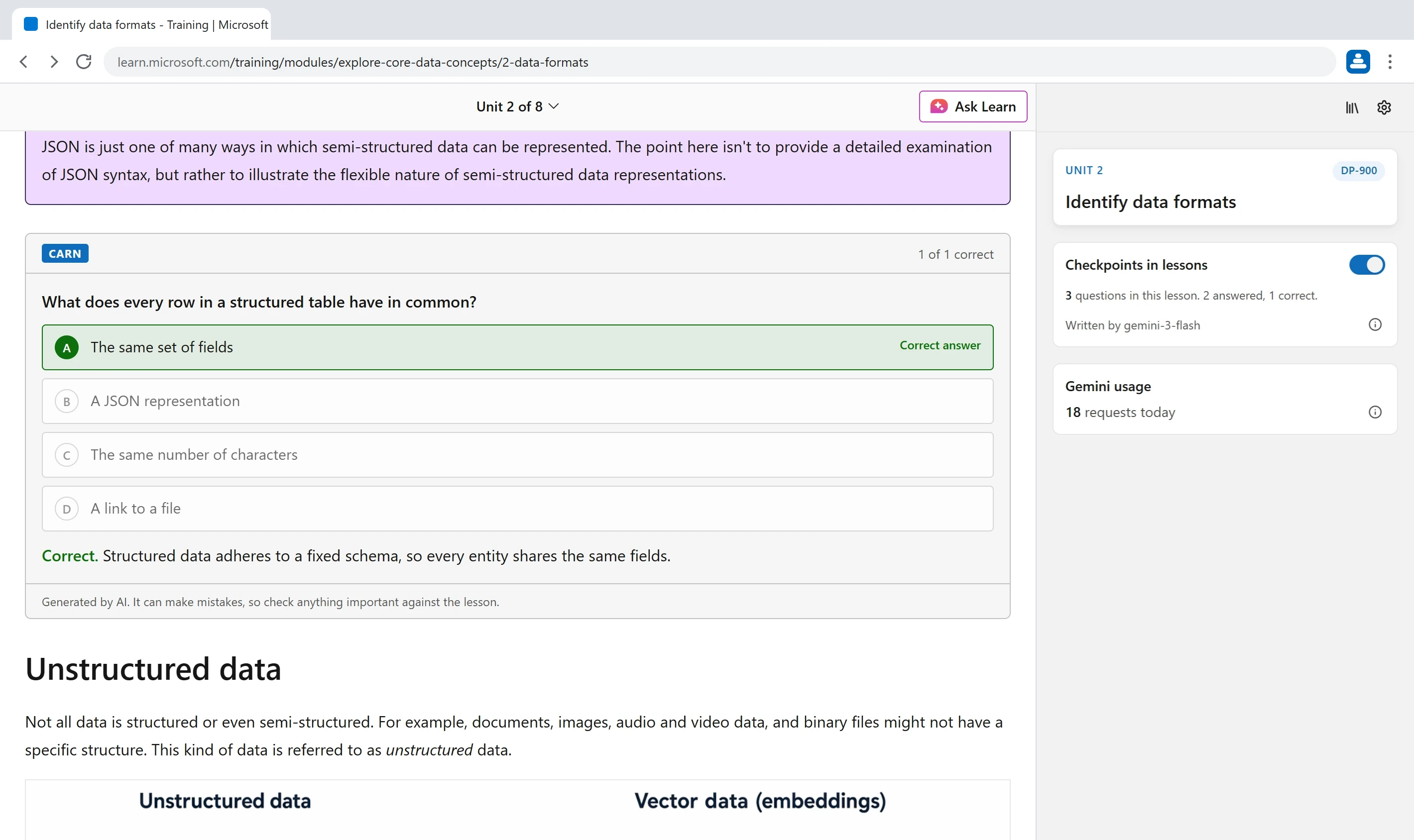
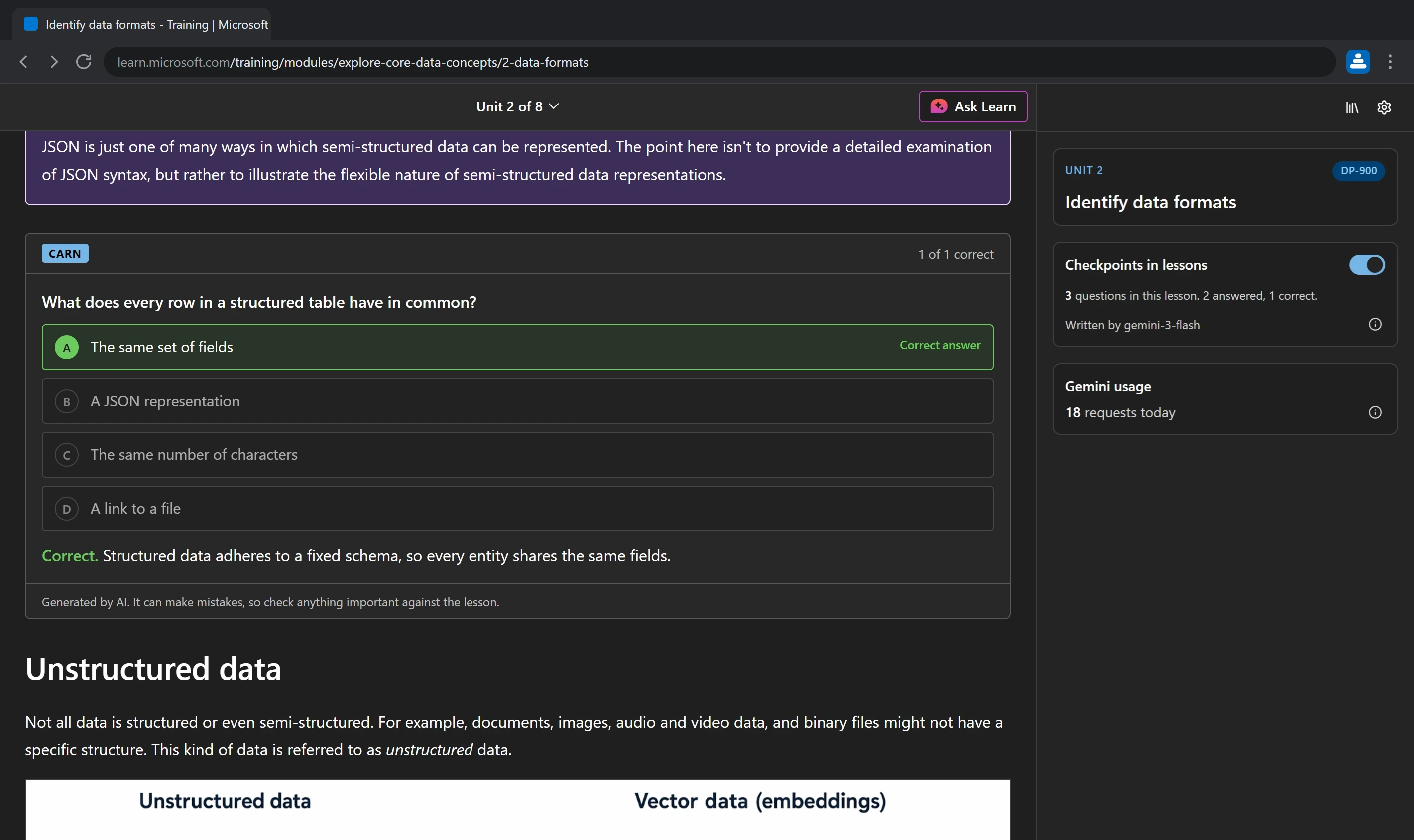
Carn embeds MCQs after each section of a MS Learn unit.
Free for Chrome and Edge on desktop. No account.
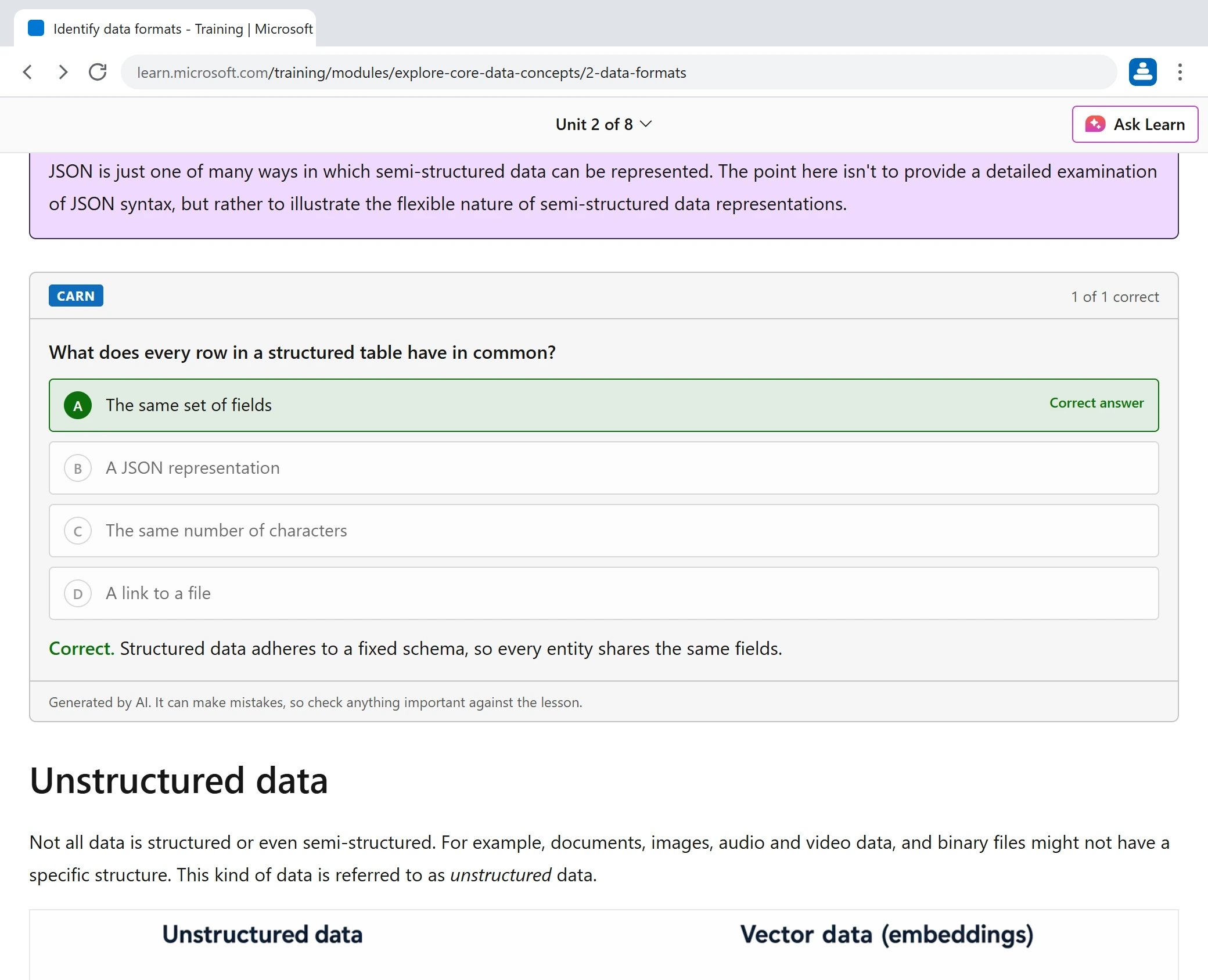
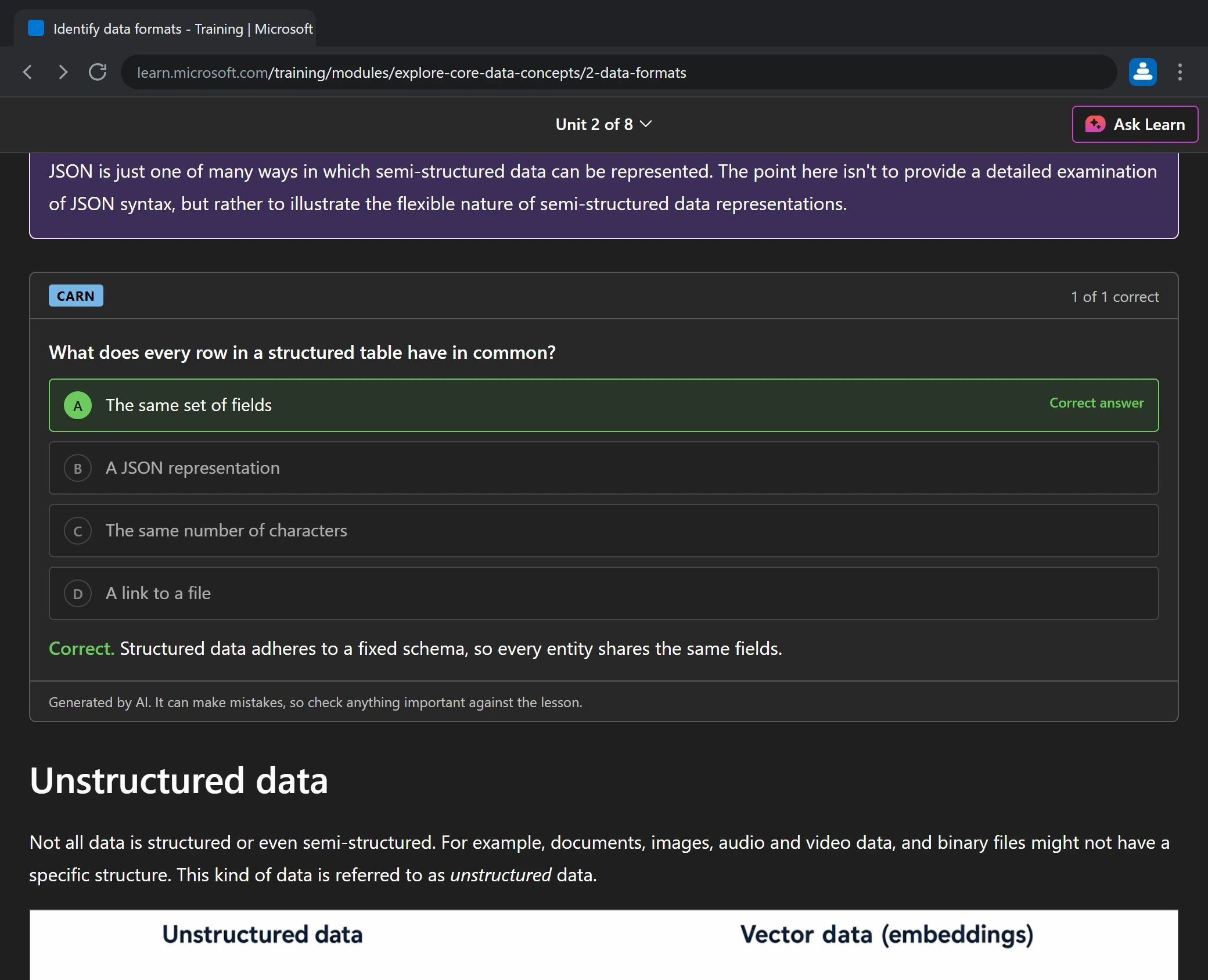
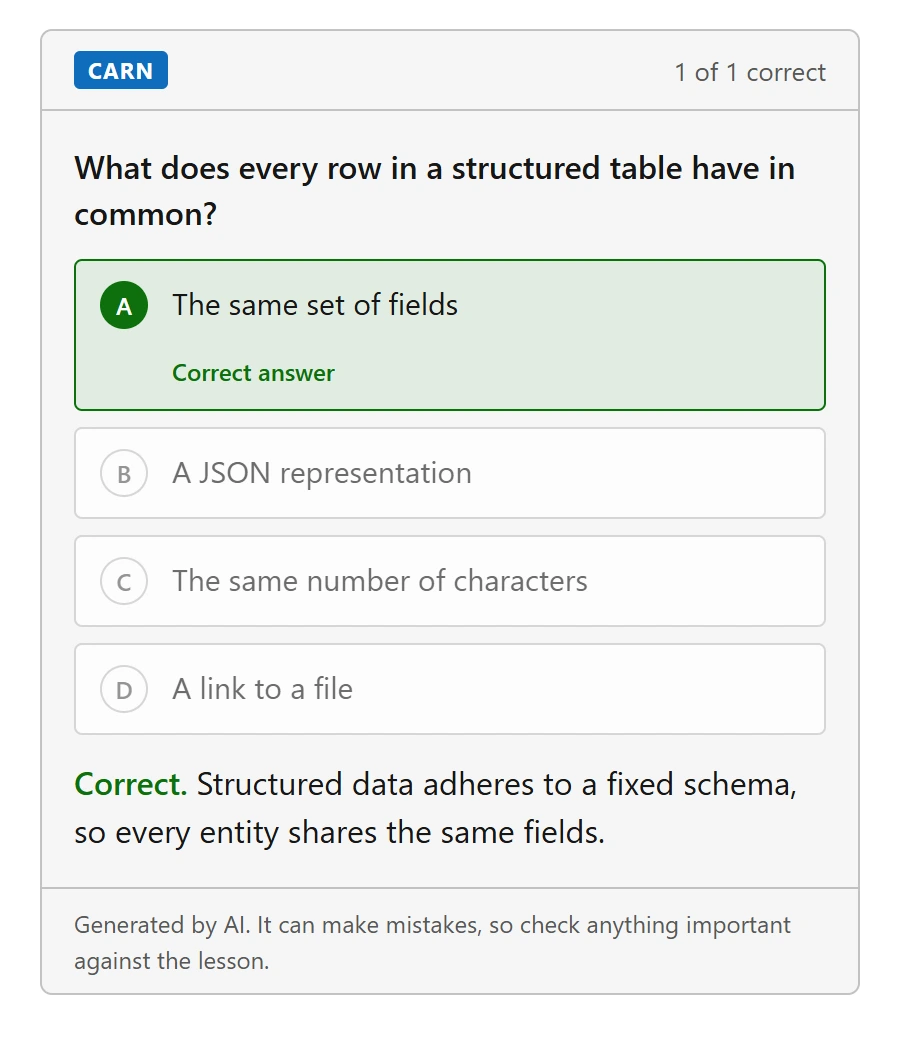
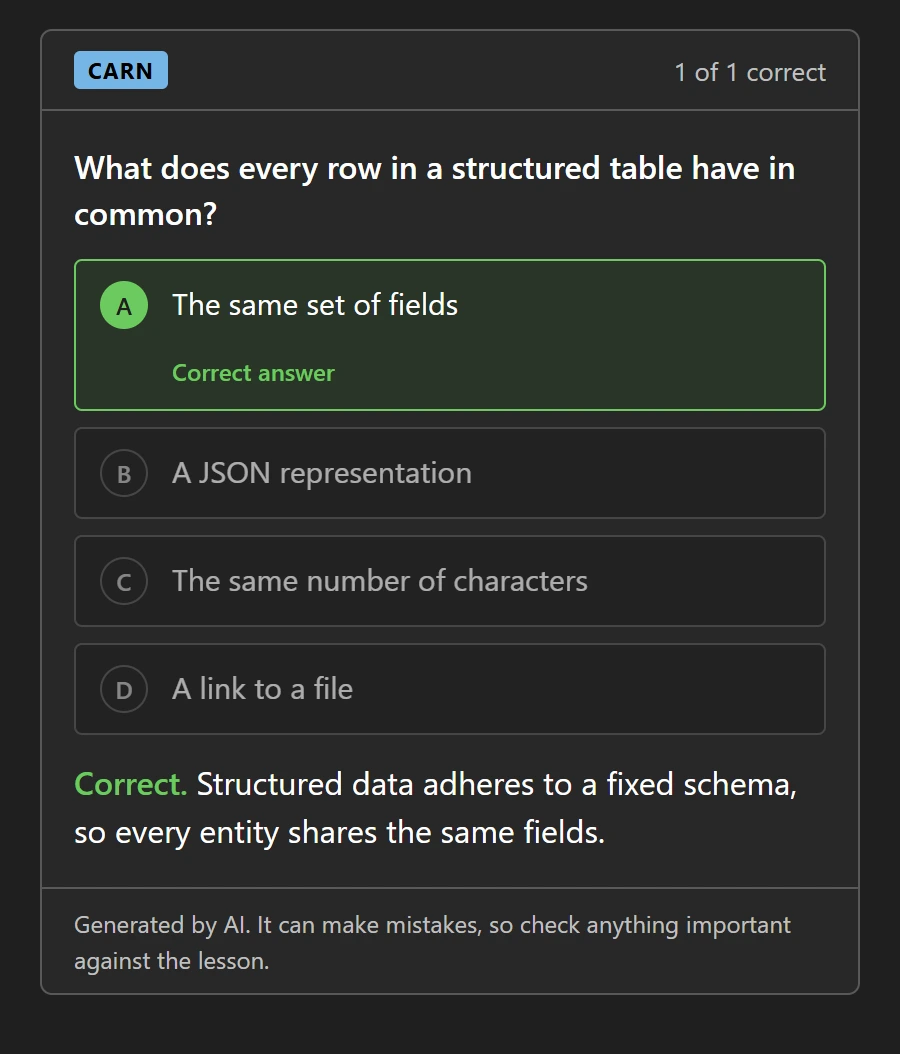
Microsoft Learn content shown for illustration.
The problem
Why does so much of a Learn module slip away?
Units are long and dense, and plenty of the text has little to do with what you'll be tested on. The first real questions arrive at the end of the module, by which time the start has faded. Anything you skimmed along the way never gets checked.
-
Long pages
A unit takes a while to read from top to bottom, and not every paragraph earns its place.
-
Questions come last
The knowledge check sits at the end of the module, a long way from the first unit you read.
-
Gaps stay hidden
Skim a section and nothing tells you. You find out when the quiz asks about it.
The idea
What if every unit asked you something?
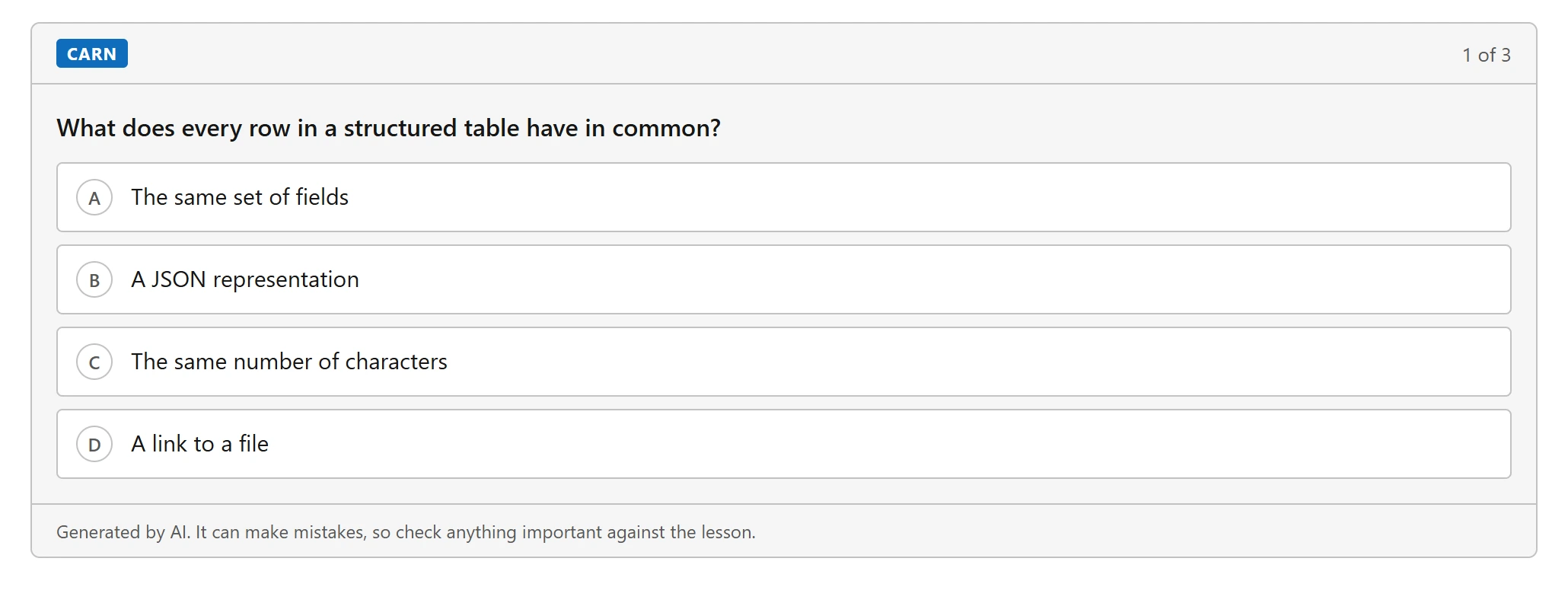
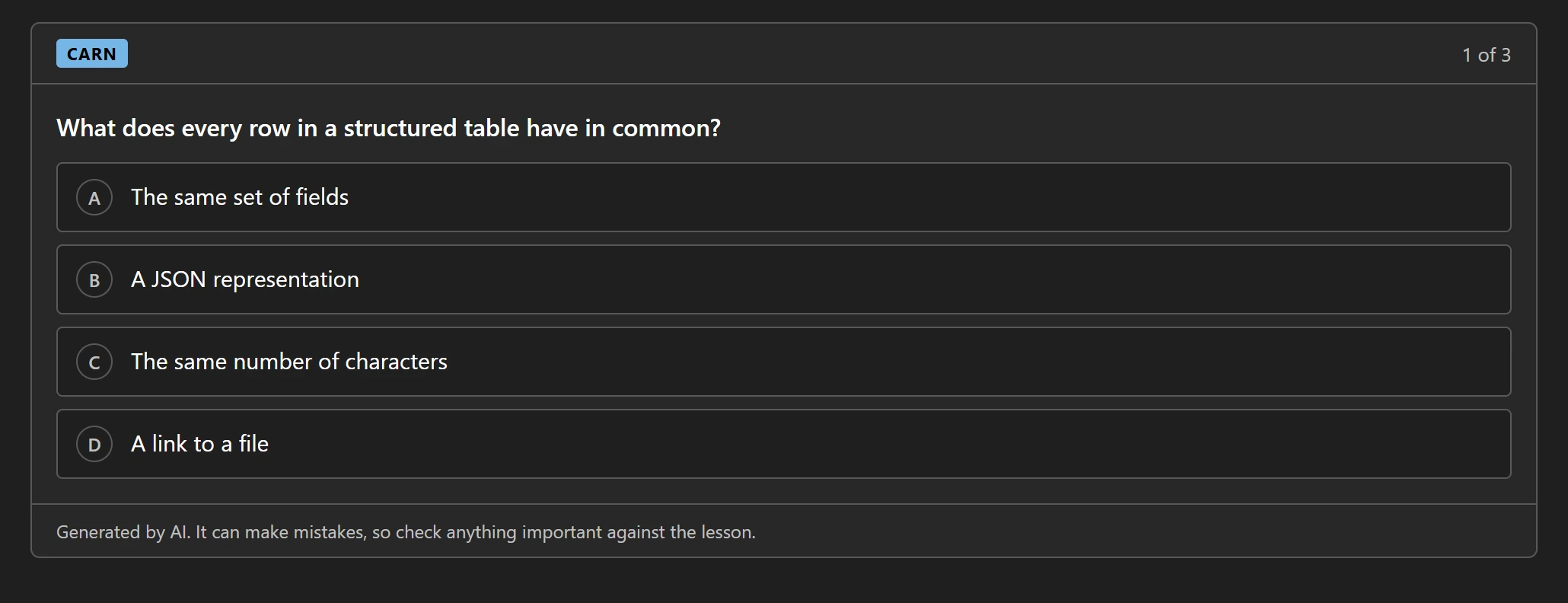
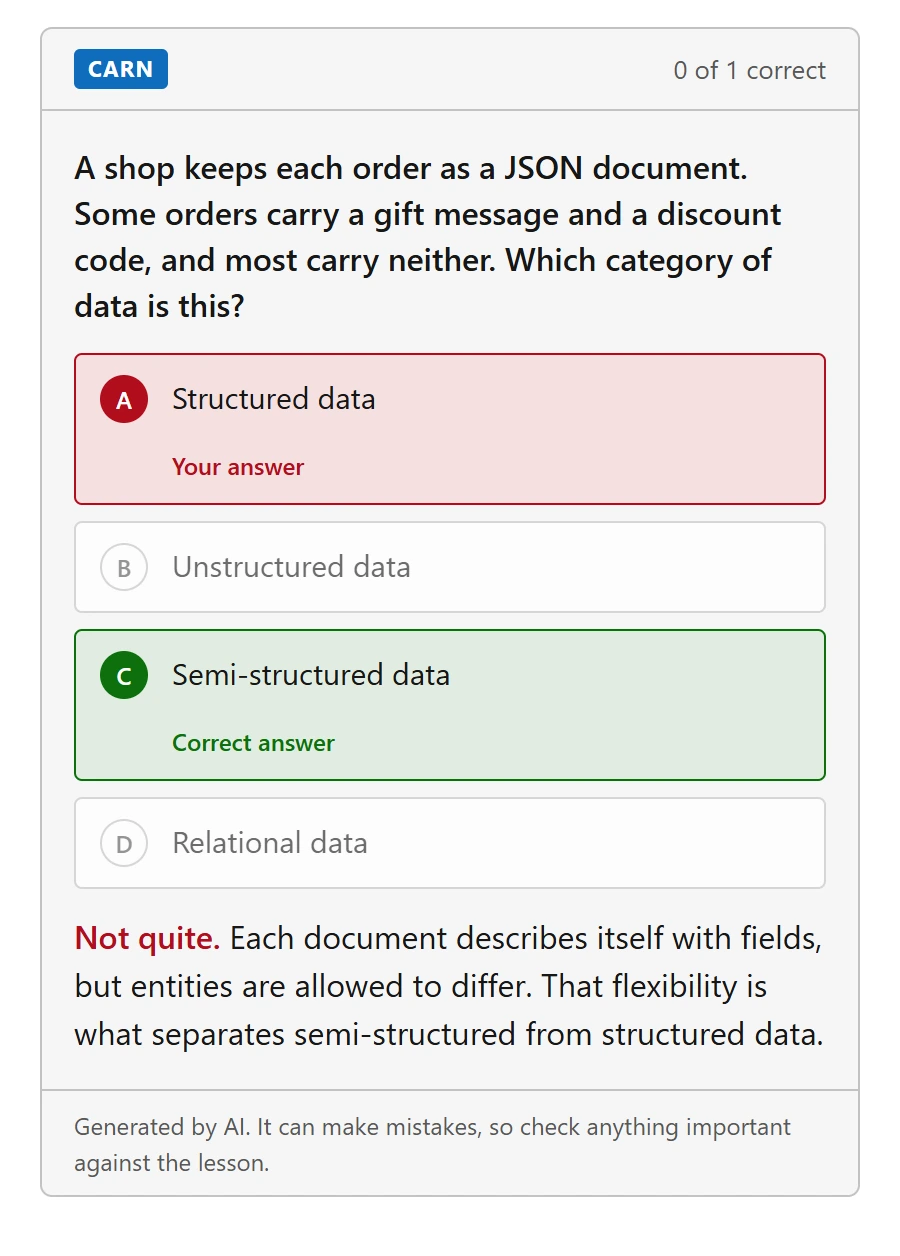
Carn adds a few multiple-choice questions to each unit, placed after the sections they cover. Every page with real content becomes a checkpoint instead of something you scroll past. Pages with nothing to test, like introductions, are left alone.
How it changes your reading
Do frequent quizzes change how you read?
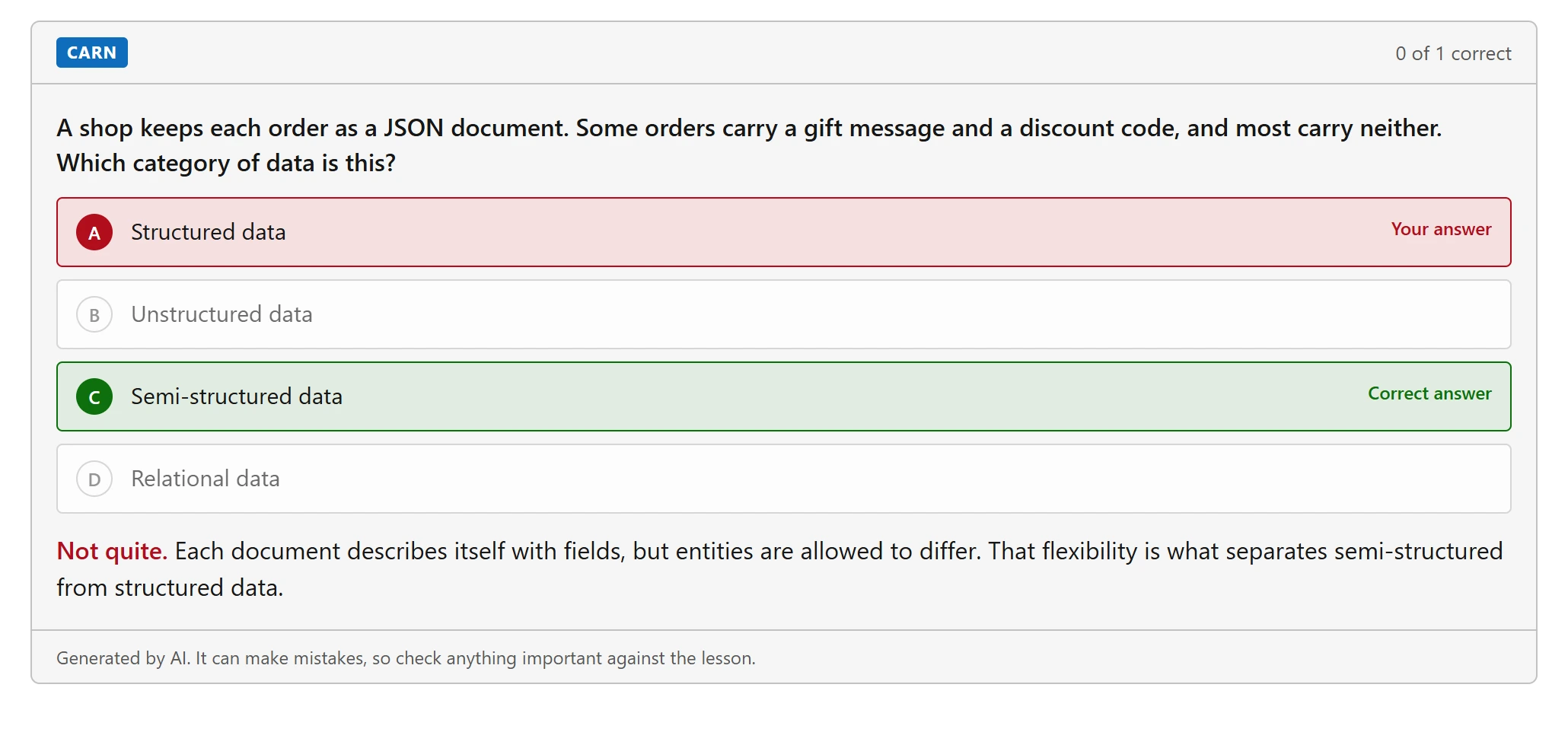
They give you a reason to read closely. It's much harder to read absentmindedly when you're being tested continuously.
And if you get one wrong?
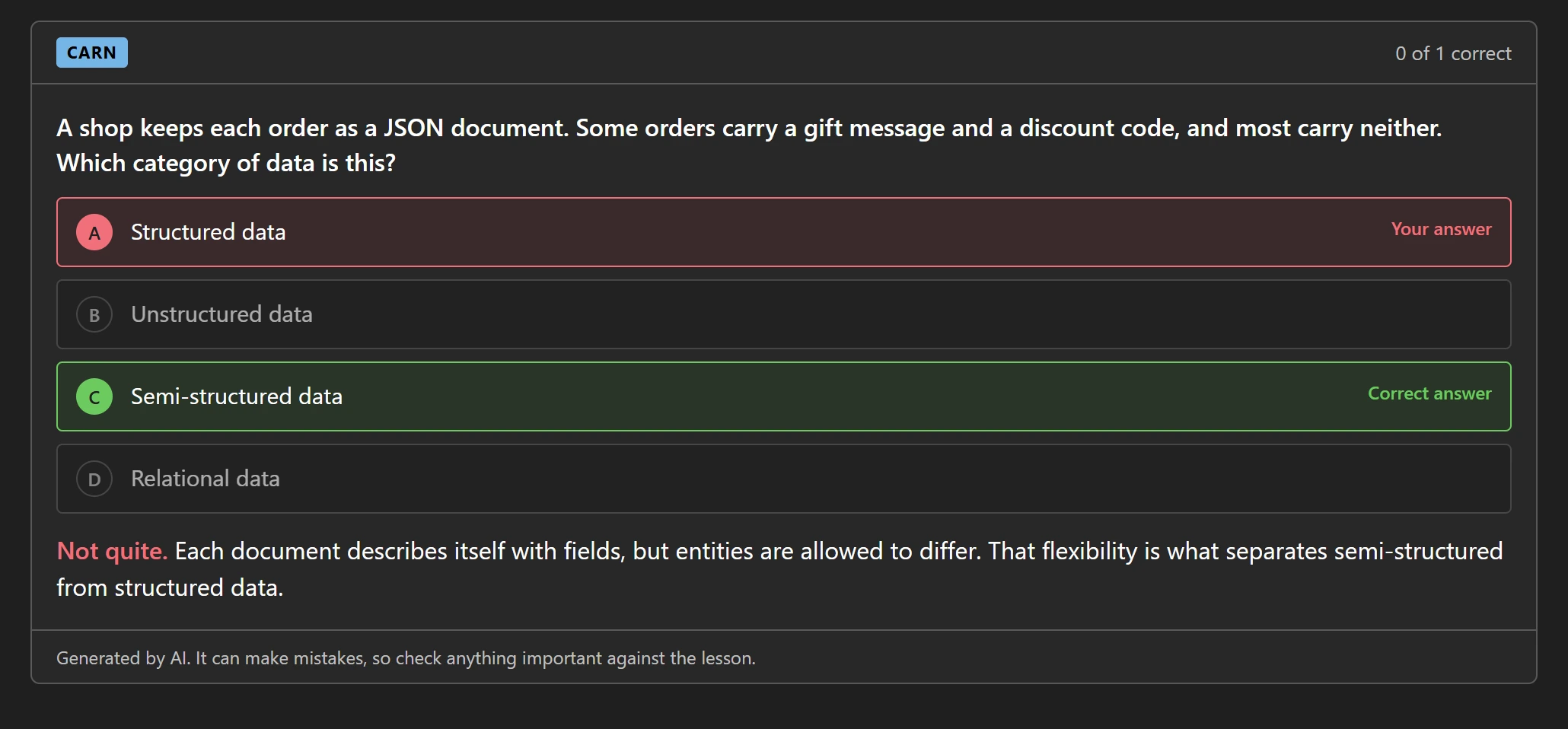
You see the right answer and a short reason, then carry on. Nothing is graded and nothing is sent to us.
Your notes
Do you copy pages into Notion or Obsidian?
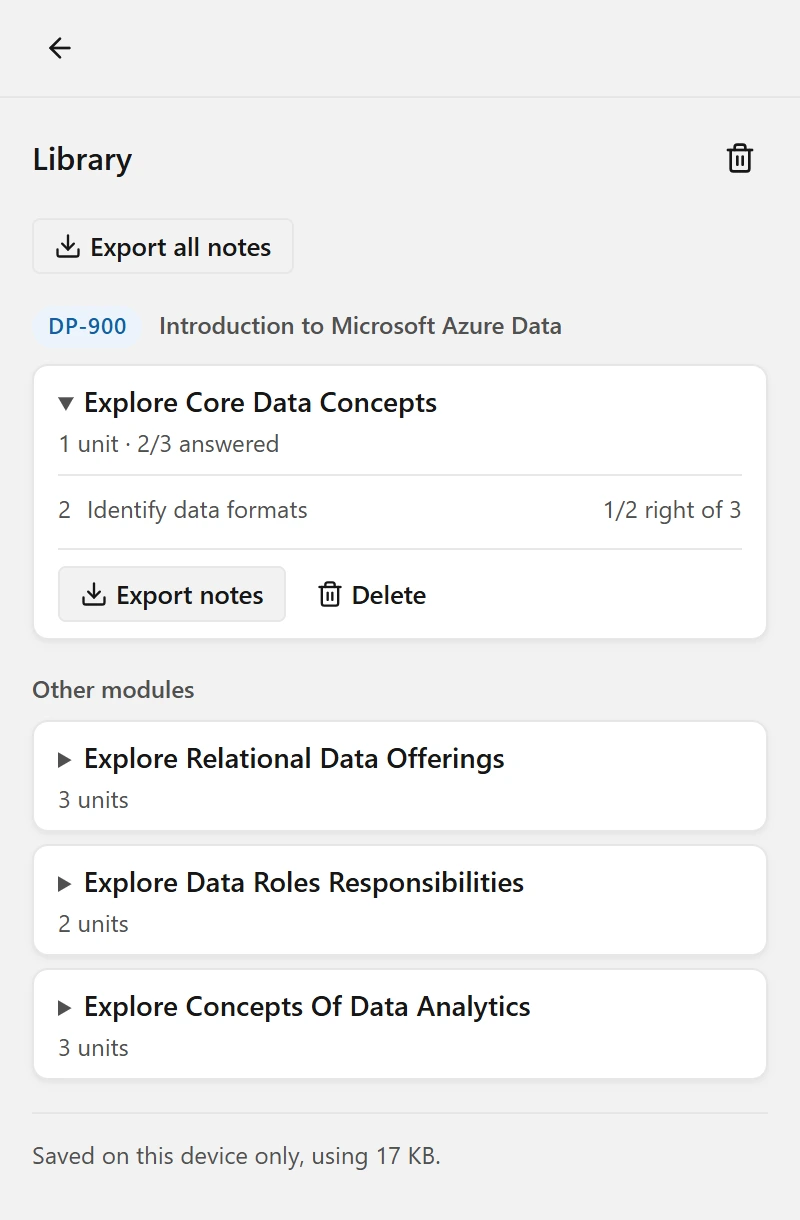
Carn does it for you. Every unit you read is saved as Markdown in your browser, on your device. When you finish a module, export it from the extension and drop it into your notes app, or load it into an AI notebook such as NotebookLM and carry on studying there.
- One Markdown file per module, or everything at once
- Headings, lists and code blocks kept intact
- Nothing leaves your browser until you export it
In the browser
Where do the controls live?
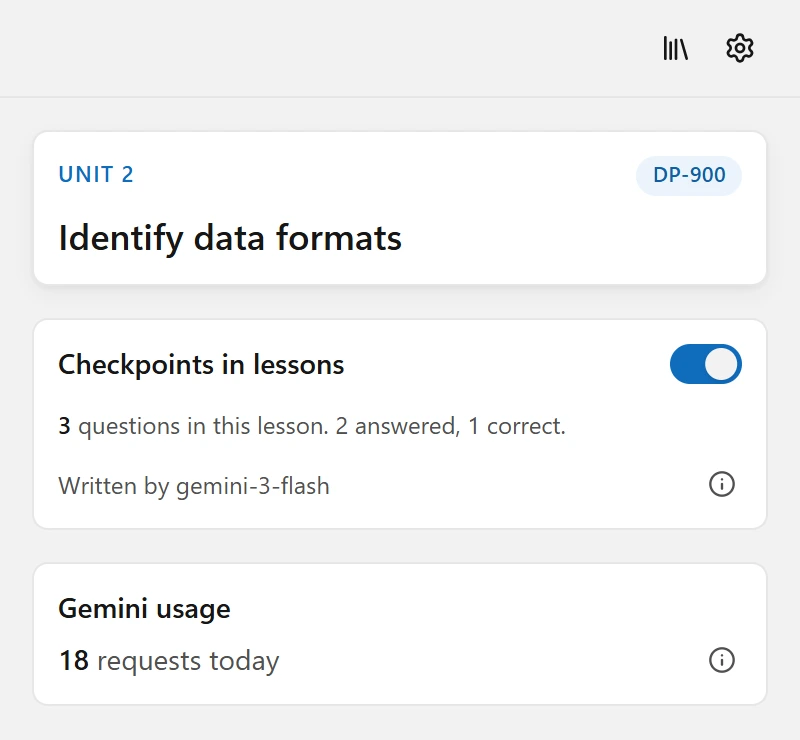
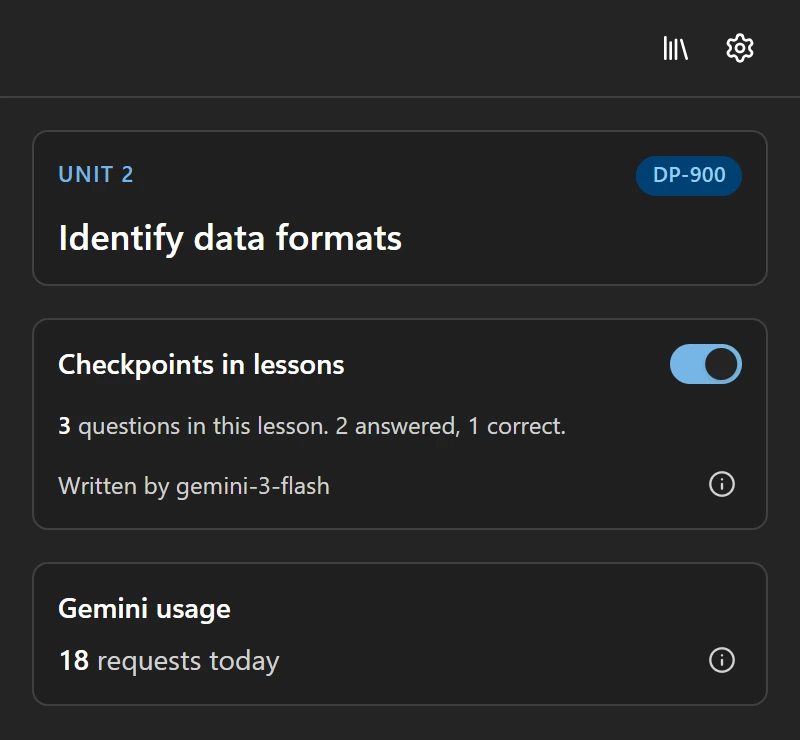
In a side panel that opens beside the page when you want it: a switch for checkpoints, a count of what you have used, your library, and your key. Click the Carn icon on any page to open it. It only adds questions on Microsoft Learn modules.
The catch
What's the catch?
You bring your own Gemini API key, and Carn has no servers or accounts of its own. In practice that means this.
Free, with your own key
Carn costs nothing. It uses a Gemini API key from Google AI Studio, and Google offers a free tier for those keys.
No Carn server
No account and nothing stored on our servers. Your lessons, questions and answers are kept in your browser on your device.
Three kinds of question
Recall questions check a detail worth remembering, scenario questions ask what you would do in a short situation, and comparison questions make you tell similar options apart.
Only the pages that matter
Carn quizzes pages with real content to learn. Introductions, knowledge checks, summaries and every page outside Microsoft Learn modules are left alone.
Straight about limits
The panel counts your requests and says so when Google asks you to slow down.
Light and dark
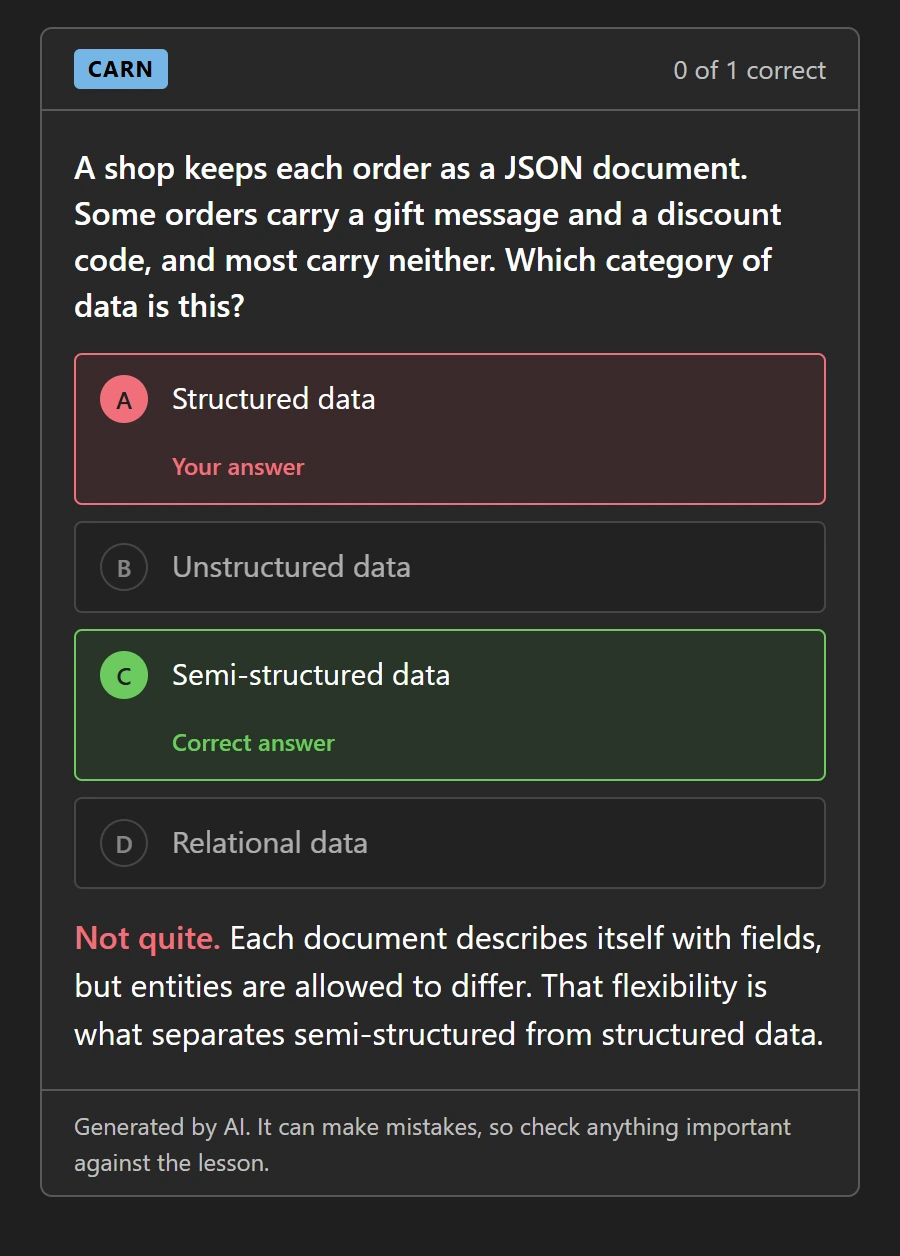
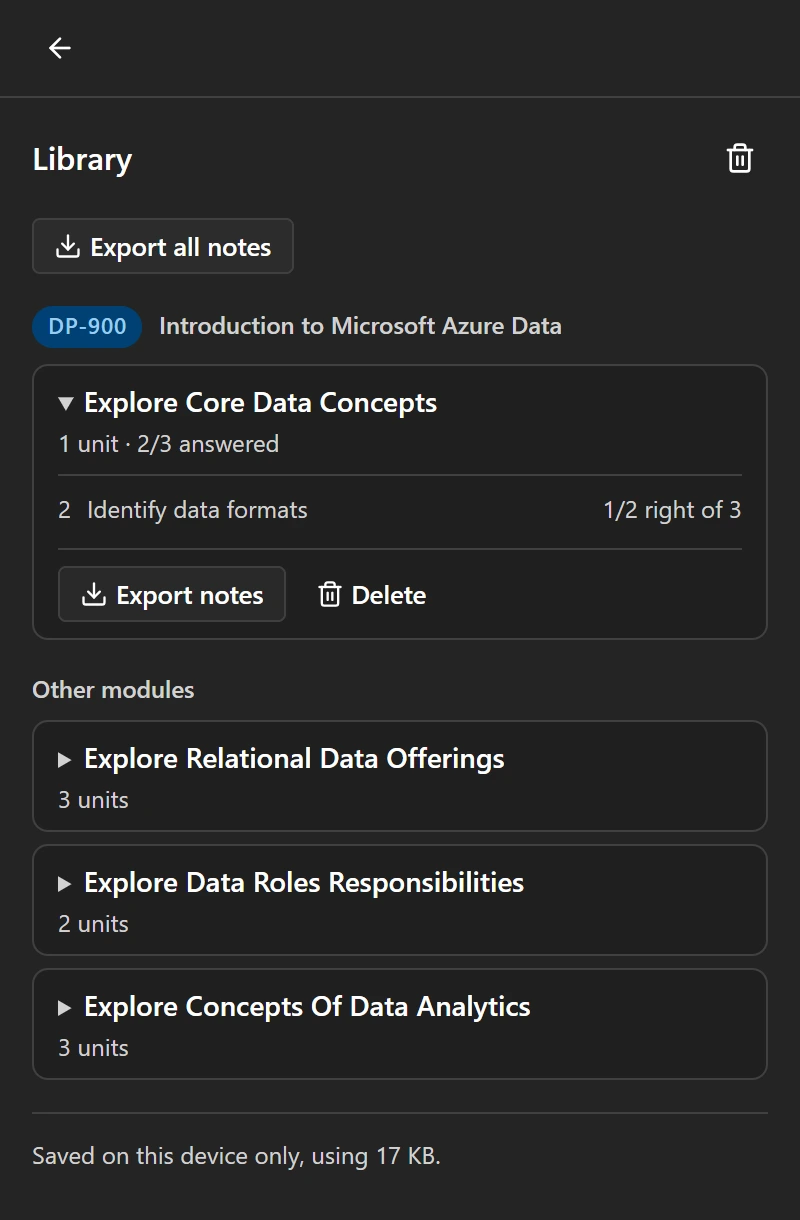
Checkpoints follow the theme of the Learn page, so they never clash with it.
Try one
Want to try a question first?
Three sample questions on Azure. Pick an answer, read the reason and move on, the same as in a real lesson.
You need to block inbound RDP to one subnet only. What do you attach to that subnet?
Choose an answer.
Sample questions. Carn writes real ones from the lesson you have open.
Getting started
How do I start?
Three steps, and the first question appears on the first unit you open.
Install Carn
Add the extension to Chrome or Edge on desktop.
Paste a free Gemini key
Create one in Google AI Studio and paste it into Carn's settings. It stays in your browser.
Open a unit
Any page under learn.microsoft.com/training/modules. Questions appear after a short wait.
Where does my data go?
Not to us. Carn has no accounts, no analytics and no server. What you read and answer stays in your browser. The one thing sent out is the lesson text, which goes to Google with your key when questions are written.
Anything questions?
Is it really free?
Yes. You need a Gemini API key, and Google offers a free tier for them. Limits depend on the model.
What does Google see?
The text of the lesson you are on, sent with your key when questions are written. Carn has no server and receives nothing.
Are the questions always right?
No. An AI model writes them and can make mistakes. Microsoft Learn is the source of truth.
Which browsers work?
Chrome and Edge on desktop.